
Who and where
Keep customer details and the correct visit address available without searching old messages.
- Customer phone, email and address
- Call, email and WhatsApp actions
- Job-specific address
- Cloud-backed records
Many small jobs. One practical record.
When your week is made up of different jobs for different customers, the admin can become harder to track than the work itself. TradesMate keeps the customer, appointment, job details, quote, invoice, payment and expenses together.
The working-day problem
Repairs, installation work, maintenance visits and small improvements may each be straightforward. The challenge is remembering which customer requested what, when you promised to attend and whether the money side is complete.
A clear working process
Use one simple admin path whether the request is a repair, a return visit or a small property-improvement job. These are examples, not specialised product templates.
Create the customer and save the contact details you will need later.
Schedule a date and time, then add the address and a clear job description.
Create an itemised quote when the customer needs a price before you begin.
Update the job and attach useful before-and-after photos.
Invoice, record payments and keep costs visible as expenses.
Real TradesMate screens
Real app screens put customer contact, upcoming jobs, business totals and documents where a one-person maintenance business can reach them quickly.
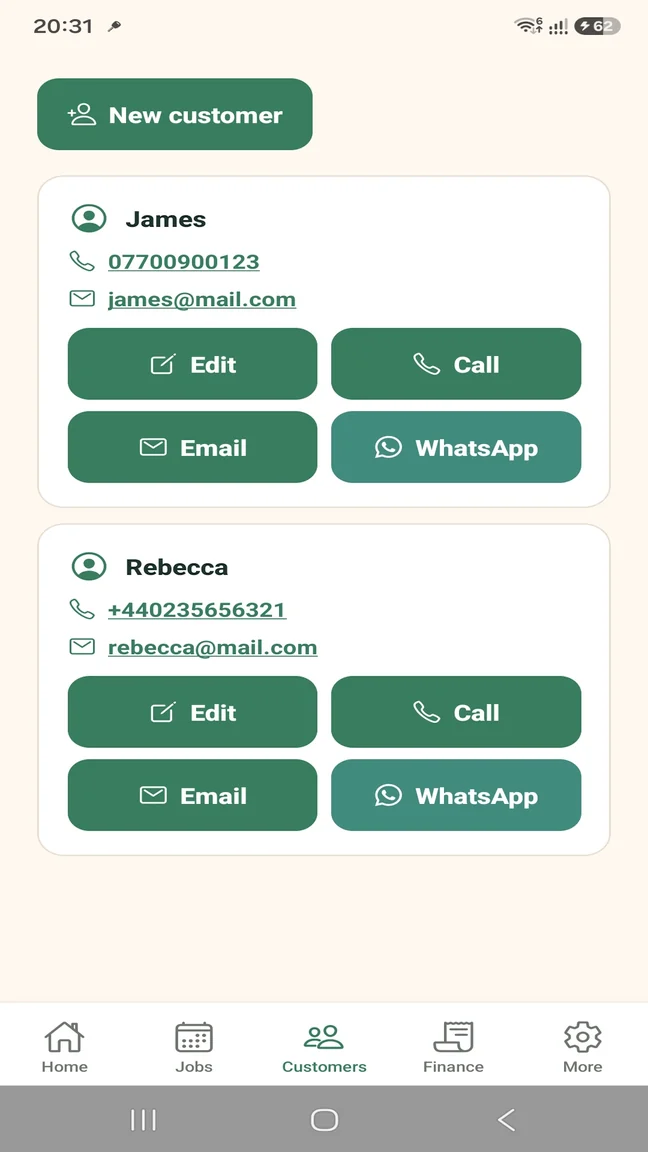
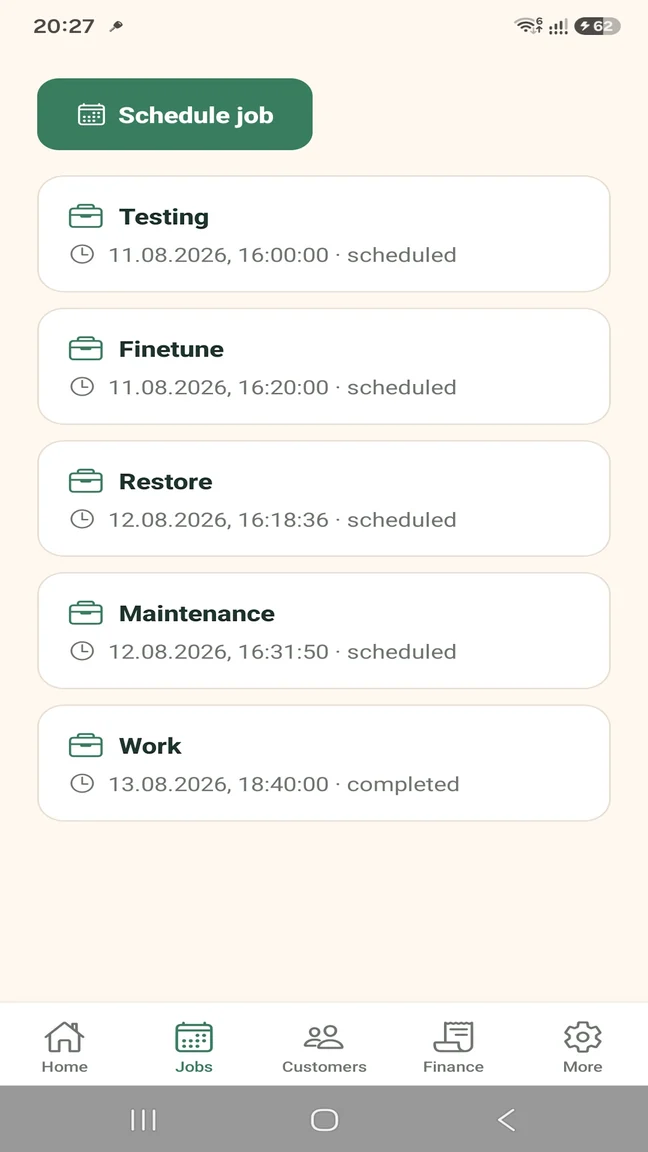
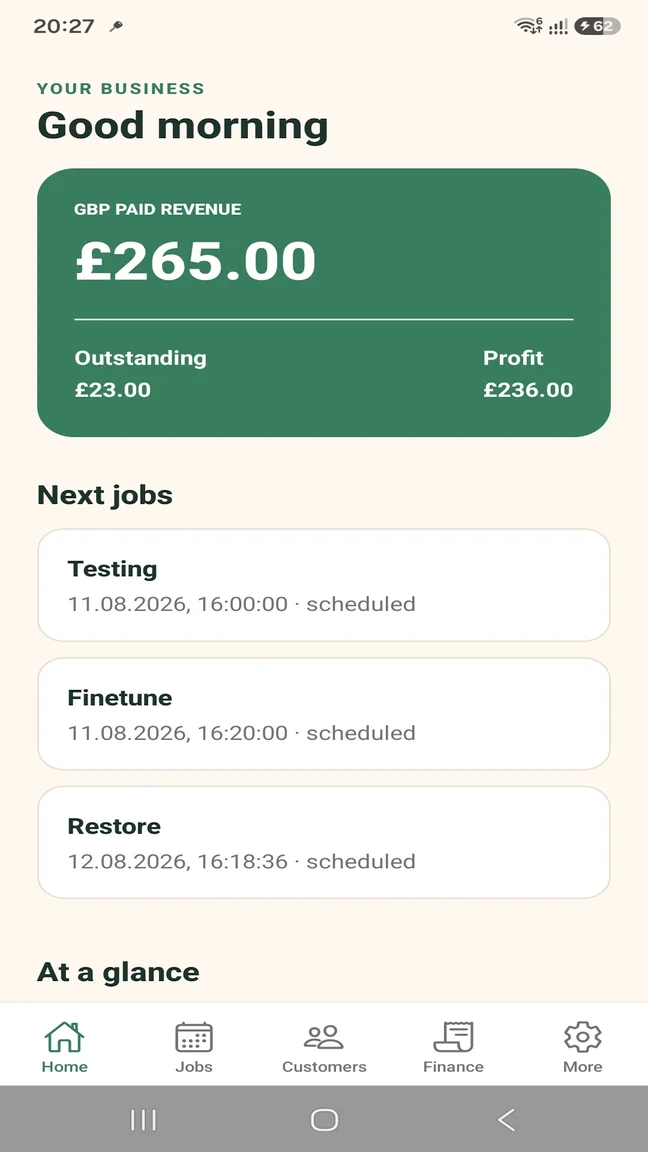
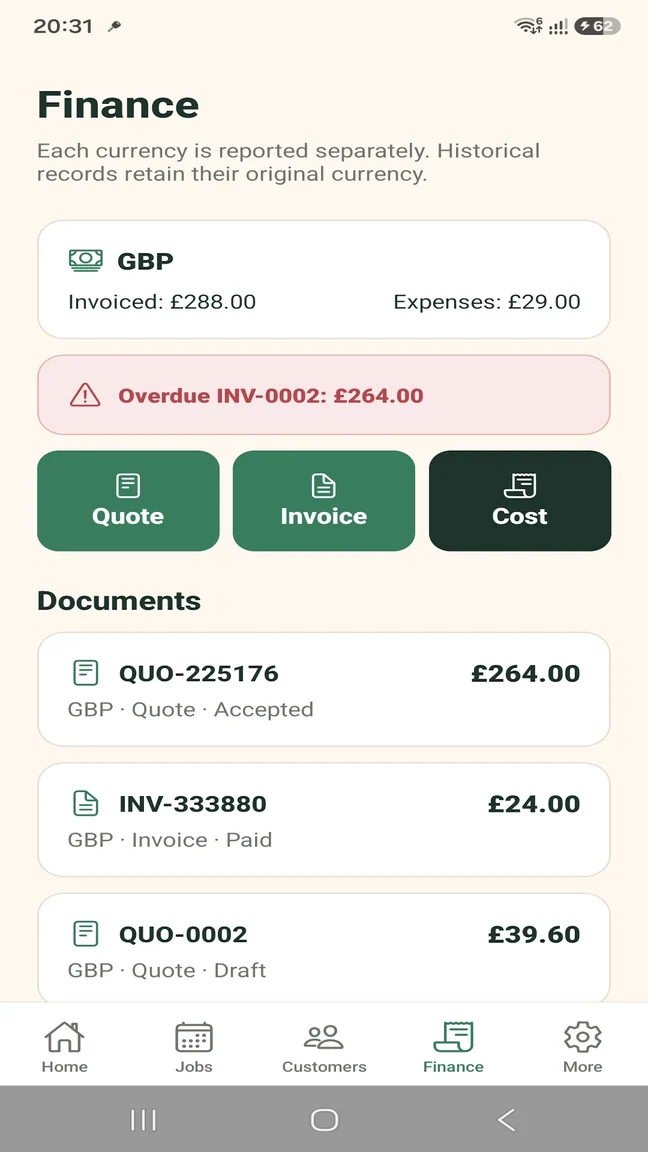
Keep customer details and the correct visit address available without searching old messages.
Turn each request into a scheduled record, even when the jobs across your week are completely different.
Follow the money without pretending to replace formal accounting. TradesMate records payment methods rather than processing card or bank payments.
Start by organising your own jobs, then move to Pro if workload or team access outgrows the Free limits.
Built for the way you work
The Free plan is a practical entry point for a handyman building a better routine; Pro is there when the records or team grow.
Use TradesMate to keep a limited number of live customers, jobs, documents, expenses and photos under control.
Remove the limits and give other people role-appropriate access to the same business workspace.
Start without a large commitment
The Free limits are clear enough to judge the app with genuine work. Upgrade through Google Play only when a larger workload or team makes Pro useful.
TRADESMATE FREE
TRADESMATE PRO
Eligible new monthly subscribers can receive a 14-day free trial. Current subscription prices appear in Google Play in your local currency.
Questions about this workflow
Yes. The Free plan is designed for a single user with defined limits, so you can organise a small real workload before deciding whether Pro is useful.
Yes. Each job can have its own customer, date, time, address, description, status, photos and expenses, so varied work can remain in one list.
Yes. Saved contact details can open the phone dialler, email app or WhatsApp. TradesMate does not send messages automatically.
Yes. Create multi-item documents, generate professional PDFs, share or email them, and convert an accepted quote into an invoice.
Yes. You can attach compressed photos to the relevant job.
Yes. TradesMate shows outstanding amounts and overdue invoice indicators, and records partial or full payments.
Yes. Pro supports owner, administrator and worker roles plus job assignment. TradesMate does not claim GPS or mileage tracking.
TradesMate for Android
Start on the Free plan or ask Samuel for a free 20-minute walkthrough.